Pizza House Simulator System Requirements
Official Steam Windows numbers, plus practical notes for busy dining rooms and handheld play.
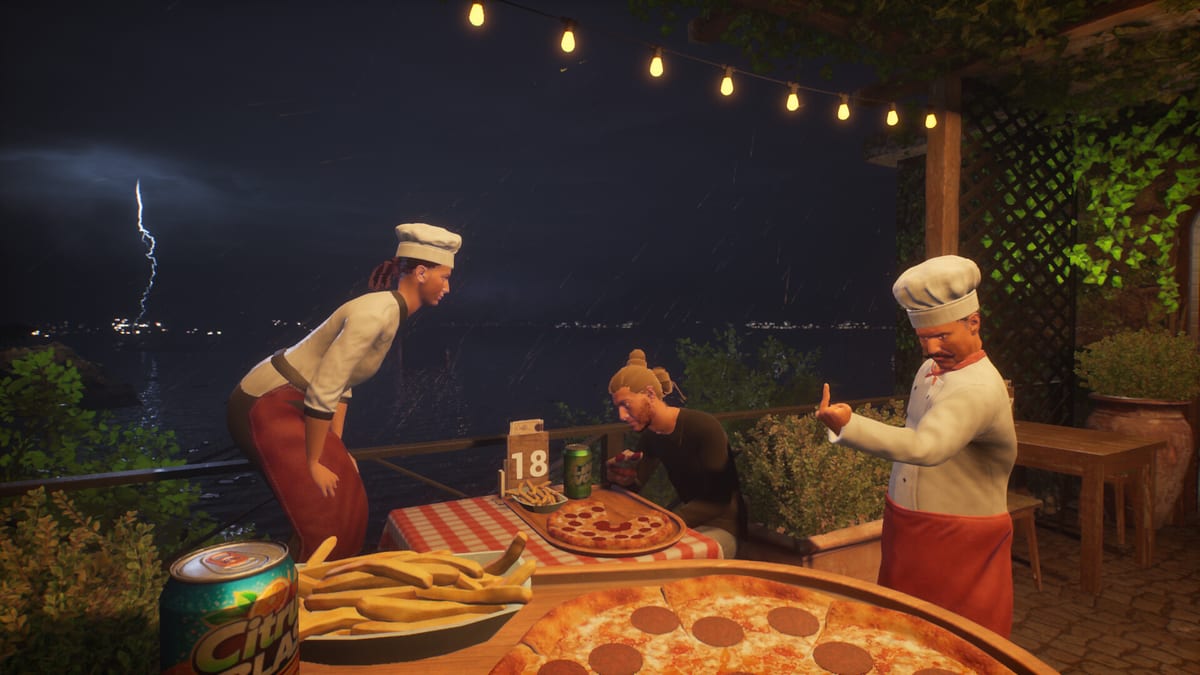
Pizza House Simulator is a Windows Steam release as of 19 August 2026. There is no Mac or Linux listing on the store page. This page copies the published specs so you can compare your box before you blame the oven. Gameplay help remains on Getting Started. Crash help is on troubleshooting.
Minimum (Steam)
- OS: Windows 10 64-bit
- CPU: Intel Core i5-2500K / AMD FX-8350
- RAM: 8 GB
- GPU: NVIDIA GeForce GTX 750 Ti / AMD Radeon R7 260X
- DirectX 11
- Storage: 5 GB
- Sound: DirectX compatible
- Note: 1080p low, 30+ FPS target
- VR: not supported
Recommended (Steam)
- OS: Windows 10/11 64-bit
- CPU: Intel Core i5-8400 / AMD Ryzen 5 2600
- RAM: 16 GB
- GPU: NVIDIA GeForce GTX 1060 6GB / AMD Radeon RX 580
- DirectX 11
- Storage: 5 GB
If you are under minimum, do not host a six-player co-op session and then diagnose “the peel feels floaty.” That is frame time. Lower effects, cap FPS, and keep the host on the stronger PC. Viewers joining from Twitch and Kick add bodies. Bodies add cost.
What stutter does to a kitchen sim
This genre hides performance problems inside gameplay. A hitch at the stone looks like a missed pull. Rubber-banding looks like a teammate stealing the peel. Before you rewrite the role planner, check overlay software, VPN, and whether the dining room is packed with effects. Rush Hour is harder when the GPU is already cooking.
Storage is only 5 GB, but an SSD still matters for hitching. The install is small; the open-world-feeling town still streams textures. Close RGB suites and extra recording codecs if you are already on a 750 Ti.
Steam Deck and handheld hosts
Valve may show Deck compatibility separately from this wiki. Practical rule: join, do not host, if the handheld is already warm. Trackpads can map an order tablet and a repair tool, but six-player hosting plus stream overlays is how a “fine 40 FPS” becomes a disconnect. Keep the first-shift checklist on a phone instead of a third overlay.
After you confirm the box can run
Spend brain on the line: How to Make Pizza, kitchen upgrades, disasters. If you came here because the store page was too long, the rest of the wiki is the Guides Hub and Tools Hub. Buy and refund only through Steam; official links sit on the Links Hub. Review context: Review Hub. Specs can change—re-read the store page when a major patch ships and check launch notes. A laptop can meet recommended numbers on paper and still fail if it is thermally limited during a six-player dinner. Plug it in, lift the chassis, cap FPS, and record on a client machine. Hosting plus encoding is a second game. If a friend calls the title poorly optimized while hosting from a handheld with overlays, send them this page instead of rewriting the role planner. Close RGB suites, extra browsers, and shop launchers before you host. The 5 GB install is small; the overlays are not. Verify files if hitching started after a Steam download. Record on a client machine. Hosting plus encoding is a second game. Write the date of the shift on the note so you can see whether the same bottleneck repeats three nights in a row. A repeating bottleneck is an upgrade. A one-off is a mistake. That distinction is the whole point of keeping a paper list next to a video game oven.
Frequently Asked Questions
Quick answers drawn from the kitchen loop, co-op lobbies, and economy systems.
Can I run the game on 8 GB RAM?
That is the published minimum. Close background apps, use low settings, and avoid hosting a full six-player plus viewer session.
Does Pizza House Simulator support Mac?
Not on the Steam listing used for this page. Windows 10/11 64-bit is the listed platform.
Why does dinner hitch when lunch was fine?
More customers, more effects, more pathing. Drop settings, cap FPS, and host on the stronger machine.