Pizza House Simulator Tools Hub
Checklists and planners meant to sit on a second monitor while the oven—and the fryer—are full.
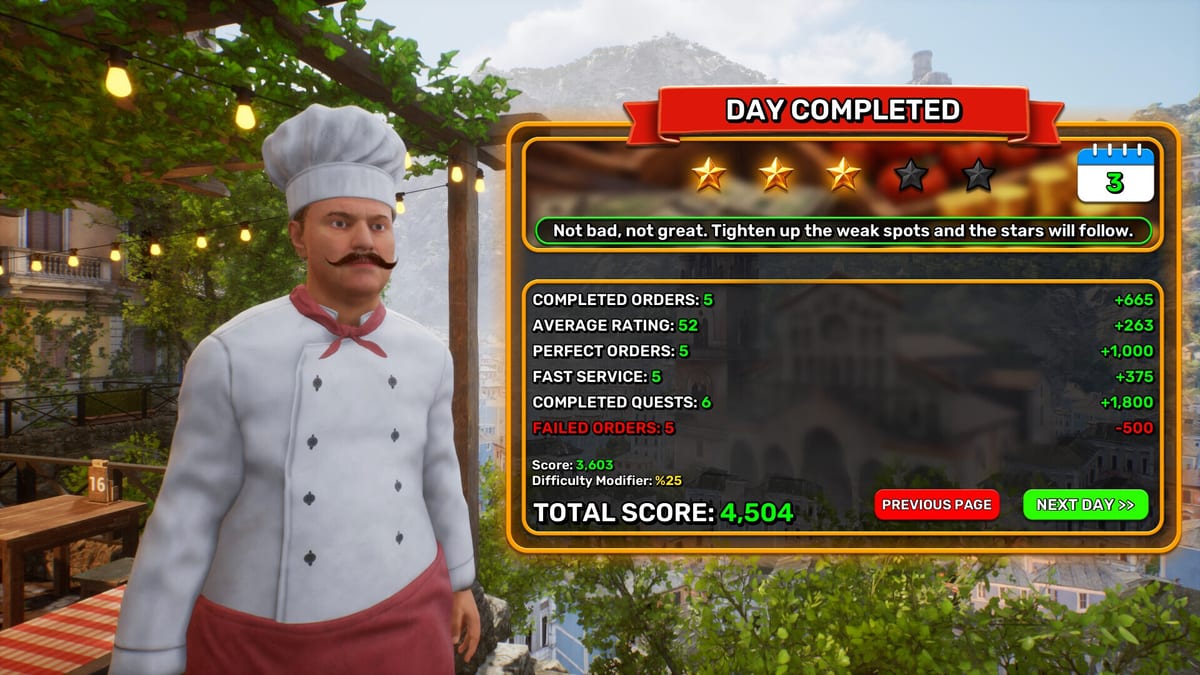
Tools on this wiki are not toys. They are the pages you keep open while Pizza House Simulator is running. The Steam Windows release went live on 19 August 2026 with solo play and online co-op for up to six. These pages exist so you do not invent a role split in the middle of dinner, guess whether your Deck should host, or wonder whether a hire belongs on Fryer before the pizza lane is staffed.
What to open during a live shift
- Co-op role planner — names on dough, oven, fryer, floor, repair, floater.
- First-shift checklist — open, service, close, spend; put the calendar tag on line one.
- System requirements — min/rec specs and why stutter feels like a slow oven.
- Steam Deck Guide — trackpad mouse, FPS bands, never-host-six rule.
- Staff and hiring — Porter, Fryer, Assembler traits without burning payroll on day one.
- Achievements — which of the 108 unlocks are kitchen-relevant.
- Leaderboards — climb with tickets and stars, not mid-service races.
If you still need verbs, leave this hub and use Getting Started, How to Make Pizza, and Fryer Line and Sides. Tools compress those articles; they do not replace them. Bind habits belong on Controls.
How the planners expect you to behave
Print or pin one checklist. Do not run every tool plus a stock-market tab. The host in a six-player lobby should own the role planner. Everyone else owns one job. If chat is invited, read Twitch and Kick and still use the role planner so a viewer is not “whoever grabbed the peel.” After close, name one bottleneck and one purchase that matches kitchen upgrades or a layout fix from customize—not a lamp. Day-one fryer and staff context: Day-One Kitchen Reveal.
When a tool is the wrong tab
Black screen, instant crash, join failures: troubleshooting. Patch confusion: launch notes, Demo First Update, and the Updates Hub. “Is it good?”: Review Hub. Official store and demo: Links Hub. Full how-to index: Guides Hub. Kitchen catalog: Kitchen Hub. Calendar tags before festival lunch: Calendar Events.
These tools stay conservative. We will not ship a fake profit calculator with invented margins. We ship roles, rituals, Deck honesty, hardware facts from the Steam page, and a leaderboard climb order that refuses gambling shortcuts. Keep the second monitor boring. The first monitor should be pizza.
Frequently Asked Questions
Quick answers drawn from the kitchen loop, co-op lobbies, and economy systems.
Do I need these tools for solo?
Checklist, system requirements, and Steam Deck notes yes. The role planner still helps when you add friends, staff, or viewers.
Why is there no money calculator?
Because we will not invent margins. Spend using named bottlenecks and the upgrade ranking instead.
Which tool should a new host open first?
System requirements before the lobby, Steam Deck notes if anyone is handheld, role planner during the lobby, checklist after the first close.