Pizza House Simulator Troubleshooting
Fix boot issues and lobby joins before you rewrite the kitchen loop.
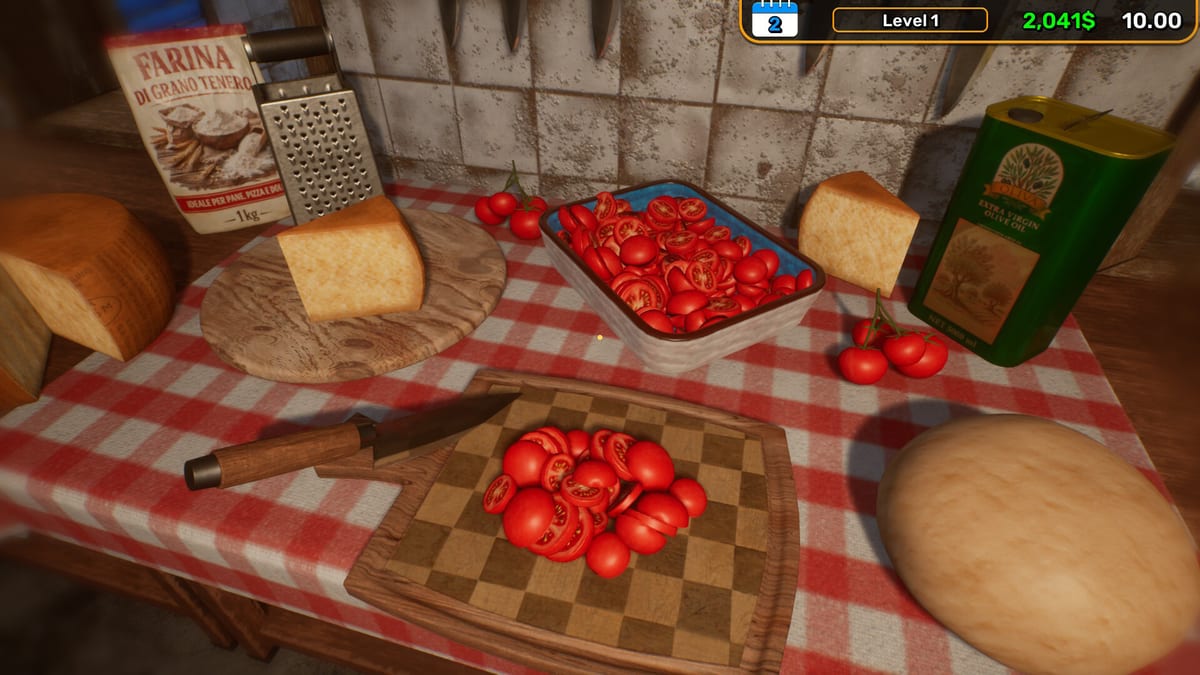
When Pizza House Simulator misbehaves, the oven is usually innocent. This page is for the Steam Windows build that launched 19 August 2026. Try the cheap steps first. Gameplay advice stays on Getting Started. Hardware floors stay on system requirements. Patch context stays on launch notes.
Black screen or instant close on launch
- Force a small window from Steam launch options, then set native resolution in-game.
- Disable fullscreen optimizations on the executable.
- Verify integrity of game files.
- Update or clean-install the GPU driver if the game never reaches a menu.
- Close overlays (recording, RGB, shop companions) that hook DirectX.
- Confirm Windows media features if an intro video can freeze the boot.
Demo-era notes already mentioned a Steam-configuration crash on launch and later a fix. If you owned the demo (app 4776950), leftover folders can confuse configs. Search LocalAppData for Pizza House / Wendigo / Broken Lyre names and remove obvious demo caches only. Do not delete a live save because a folder looked similar.
Co-op: session found but cannot join
Patches after the demo advertised Steam invites and then fixed join-by-code so failures show a real error. Work the boring list:
- Same game version on every PC.
- Restart Steam from the tray, not just the window.
- Disable VPN.
- Host a brand-new lobby; do not recycle a ghost session.
- Invite overlay (Shift+Tab) before manual codes.
- Match any crossplay toggle the host set.
- Prefer Ethernet on the host.
Hosting from a weak handheld while five friends join is a netcode test, not a kitchen test. Read Co-op Multiplayer for jobs after you can actually connect. Viewers: Twitch and Kick—cut redeems if rubber-banding starts when chat appears.
Money reset, collisions, floating names
Demo-to-release notes already called out money resetting after save/load, collision spots, and nameplates floating too high. If you still see those after a patch, verify files and check launch notes before assuming your shop is cursed. Keep playing the line from How to Make Pizza once the save is stable.
Performance that looks like bad play
Hitching at the stone feels like a missed pull. Rubber-banding feels like a stolen peel. Drop settings, cap FPS, host on the stronger box, and stop stacking recording plus six players plus weather. Rush Hour is already hard. A 750 Ti at recommended crowds is a choice.
If nothing here works
Use Steam support and the official channels linked from the Links Hub. This wiki is unofficial. We will not ask you for accounts or files. After the game boots, return to the first-shift checklist and the Review Hub only when you want an opinion again. If the kitchen feels wrong but FPS is fine, you probably have a loop problem, not a driver problem—go back to How to Make Pizza and Rush Hour. If FPS is not fine, stay here and on system requirements until the stone no longer hitches when you pull. Do not take a loan to “make up for” a night lost to overlays. That is how a tech issue becomes an economy issue.
Related: Tools Hub, Guides Hub, Updates Hub. After a successful join, do not immediately enable viewer drop-ins. Confirm the kitchen is stable for one lunch using Co-op Multiplayer. Tech debt plus chat is how a fix turns into another ticket. If FPS is fine but the line is not, return to How to Make Pizza.
Frequently Asked Questions
Quick answers drawn from the kitchen loop, co-op lobbies, and economy systems.
Should I delete the whole save to fix a join bug?
No. Make a new lobby, restart Steam, and match versions first. Saves are the restaurant.
Does verifying files delete my pizzeria?
It replaces game files, not your idea of a dining room. Still, back up saves if you have a ritual for that.
Can a VPN break co-op?
Yes. Turn it off before you blame the join-code patch.